Work / App Prototype
Tennis Score Bot: a scorekeeper that listens
Tennis Score Bot keeps score of a tennis match so the players do not have to. A browser prototype tracks deuce, advantage, sets and tie-breaks and speaks the result. An Android rebuild is under way, with a deterministic rules engine and no AI model on the scoring path.
Demonstration data. Scripted demonstration using invented data.
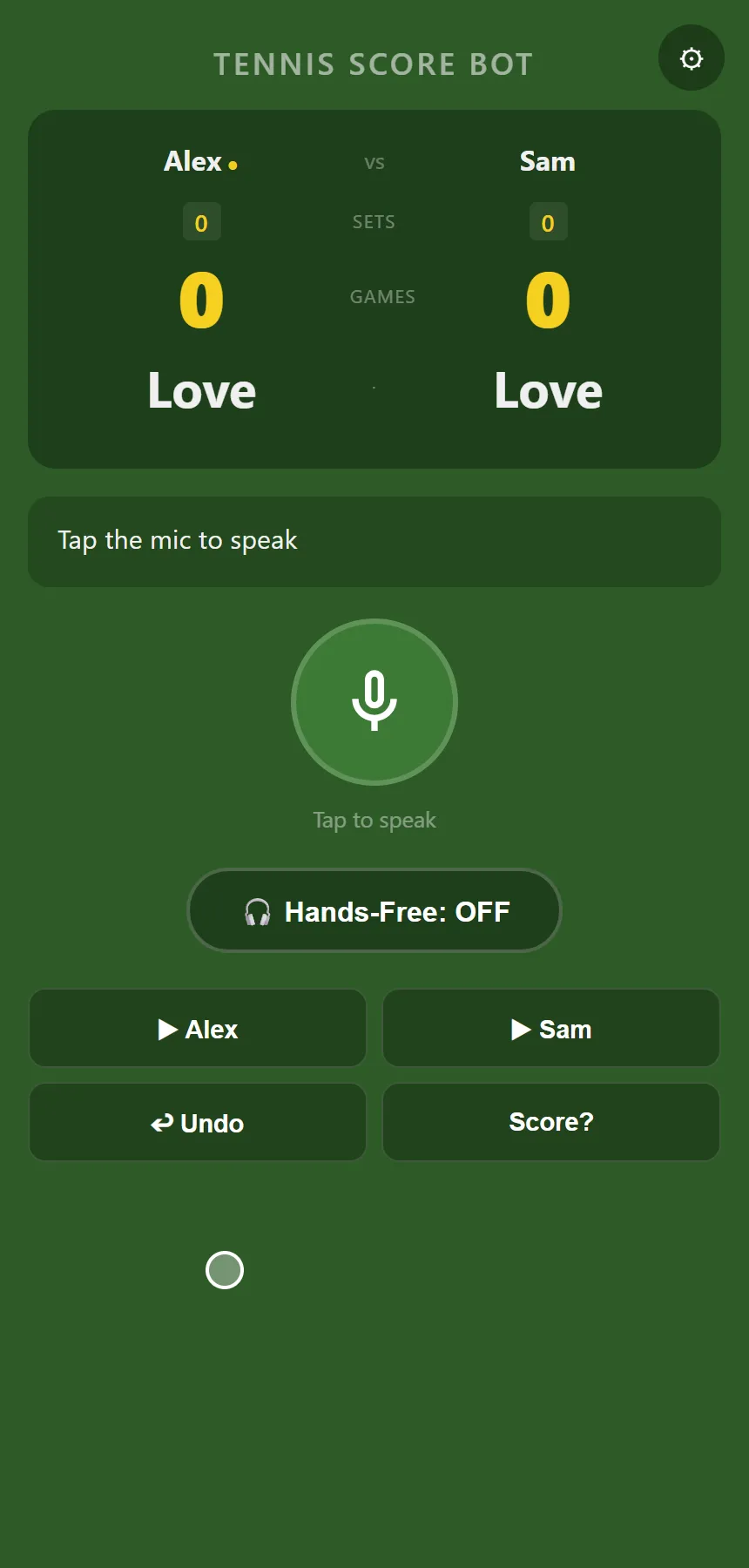
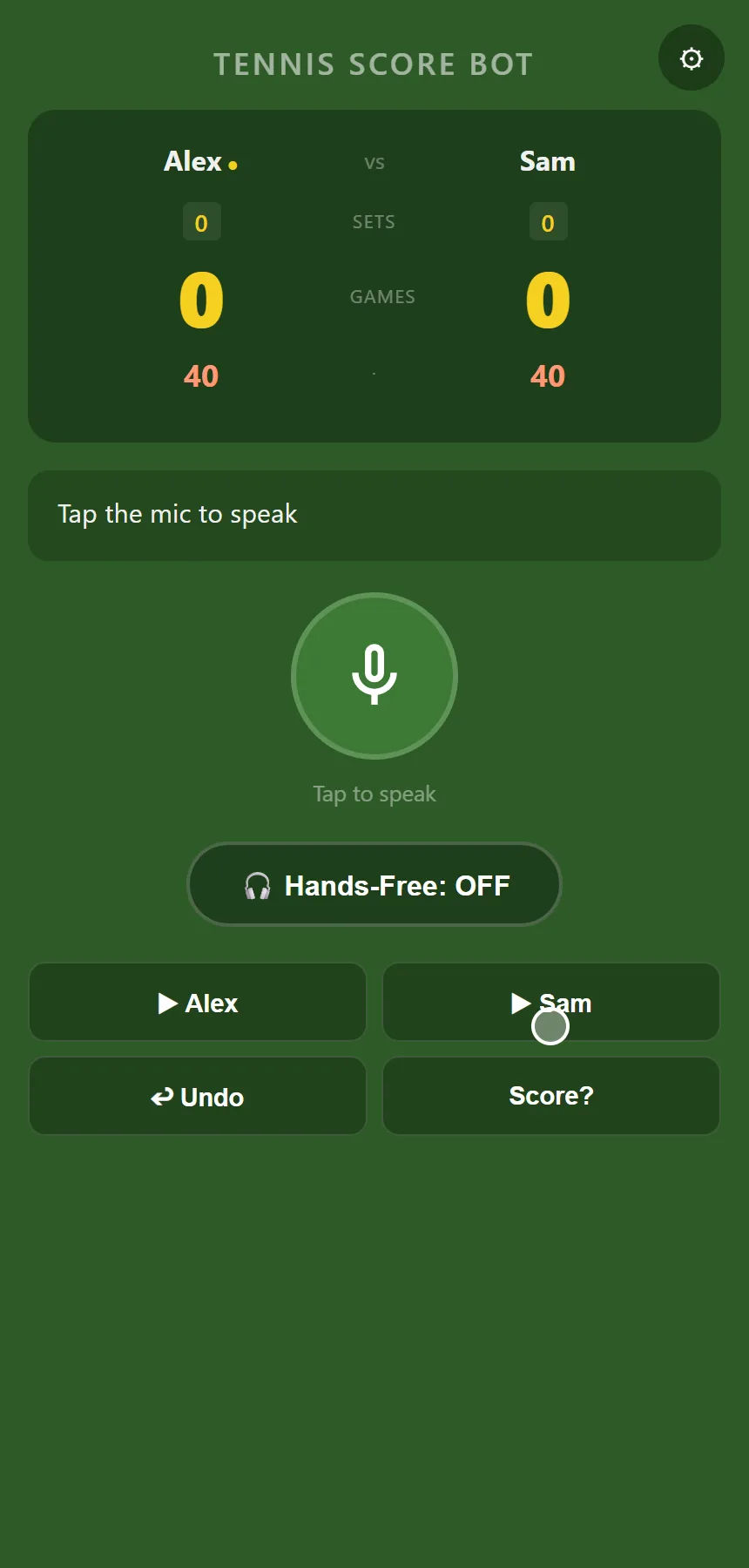
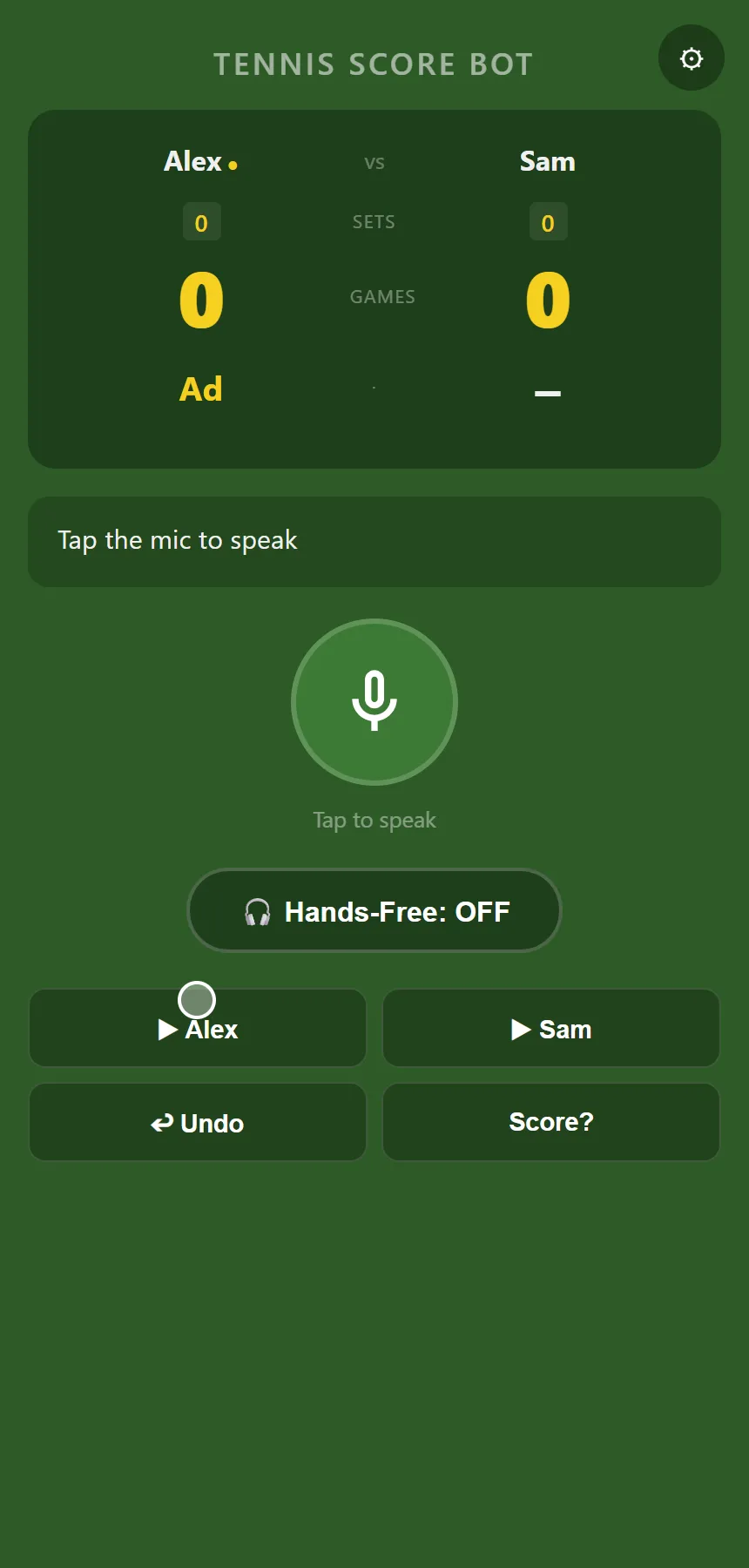
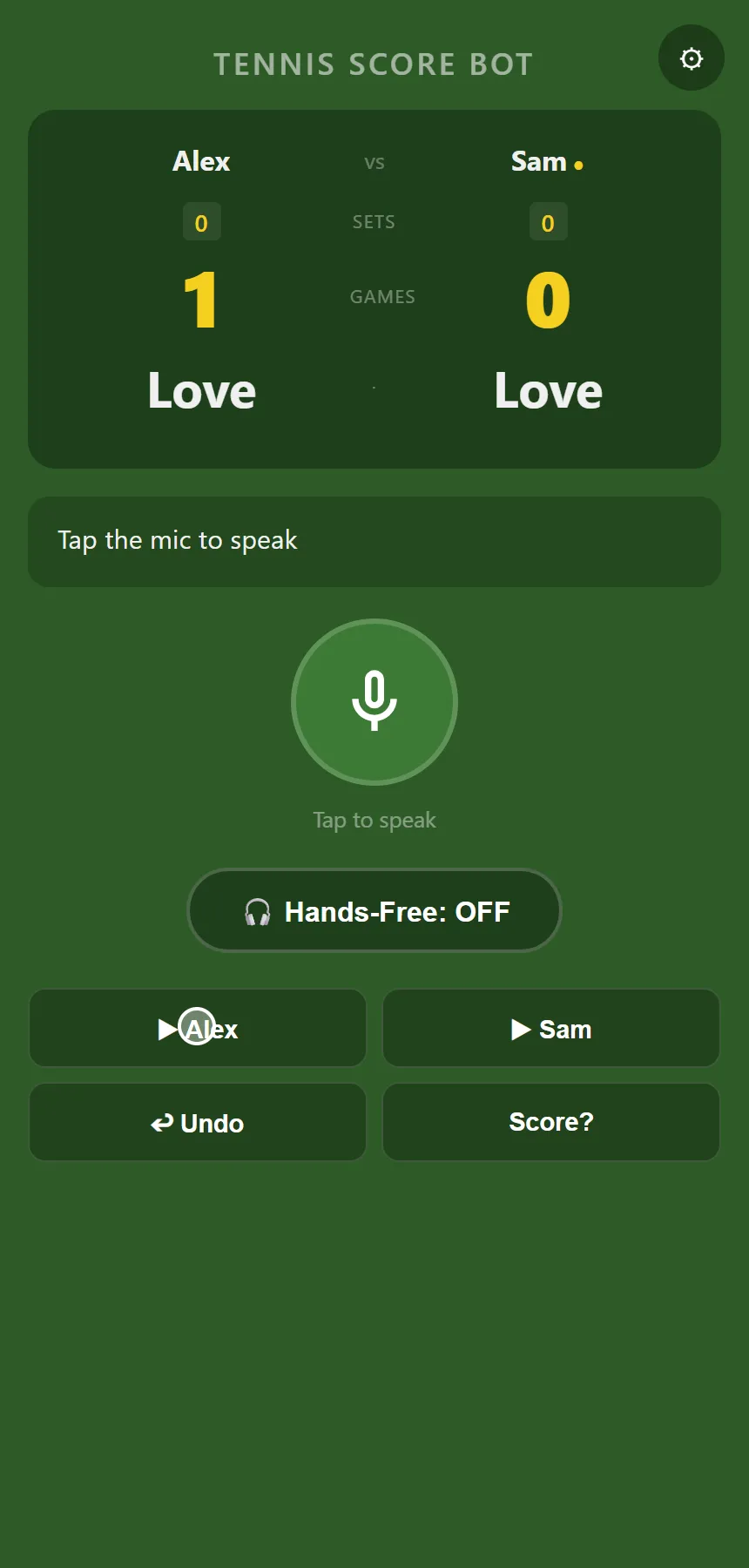
Win a point in Tennis Score Bot and the scoreboard moves. At 40-40 the points change colour, one more point shows advantage, and the next one wins the game and passes the serve marker to the other player. The idea is that you say who won the point and the app updates the score and speaks it back, so nobody has to stop and work out where a game stands. A browser prototype of this works today. I am now rebuilding it as an Android app, built around a question I find interesting: how far can you trust a voice and an earbud?
At a glance
- Status: Prototype.
- Built: the browser prototype was last edited on 4 July 2026. The Android rebuild started on 18 July 2026 and has seven commits.
- Platform: a web page for the prototype, run in a phone browser. A native Android app for the rebuild.
- Stack: plain HTML, CSS and JavaScript with the browser’s speech recognition and speech synthesis for the prototype. Kotlin, Jetpack Compose and Gradle for Android.
- Built with: Claude Code (Android rebuild).
- AI inside the product: optional in the prototype, absent from the scoring path in the Android design. Details below.
One game, start to finish
Text version of the video
- The scoreboard at the start, then Settings, where two player names are typed in and a badge says offline keyword parsing is in use. New Match starts Alex against Sam.
- Two points for Alex show 30-Love. Two for Sam, one more each and the score reaches 40-40, drawn in a different colour.
- A point for Alex shows advantage. A point for Sam takes it back to deuce.
- Two more points for Alex win the game: the games count goes to 1-0 and the serve marker moves to Sam.
- A tapped point for Sam gives Love-15, and Undo restores Love-Love.
The microphone button listens for one short command, such as “point for Sam”, “undo” or “what’s the score?”. A hands-free toggle keeps it listening between points. Tap buttons for each player, undo and a score read-out sit underneath for the moments when speech recognition does not cooperate.
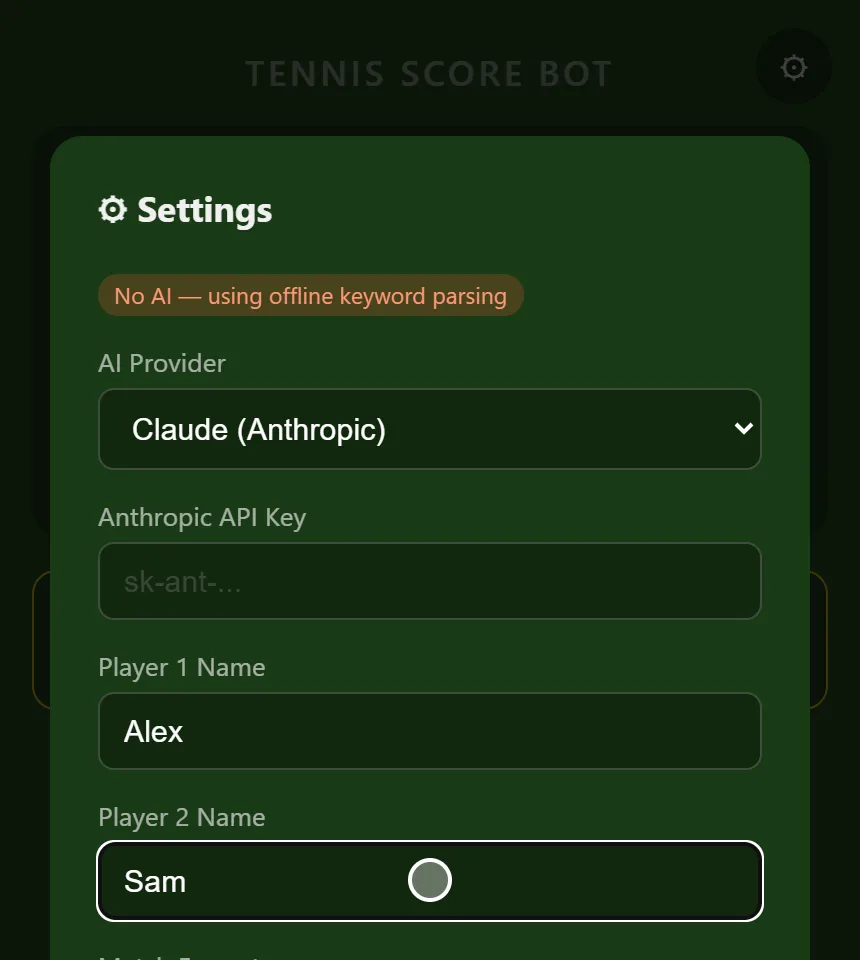
The offline parser understands more than names. “Ace” is a point for whoever is serving. “Double fault” is a point for the receiver. “Point for me” goes to the first player. Undo, score and new-match keywords work as you would expect. The scoring covers best of one, three or five sets, tie-breaks at six games all, and a match-over screen with the winner.
The score belongs to the code
The prototype can use an AI model to understand loose phrasing. If you choose Claude or ChatGPT in settings and paste in your own API key, the page sends the model your transcript, both player names and the current score, and asks for a small JSON answer: an action and a player. The scoring code then applies the point itself. The model never calculates the score.
The Android rebuild goes one step further. Its decision record and its project instructions say that no language model or cloud service sits on the score-mutation path. The recorded reasons are court connectivity, latency, privacy, cost and score integrity, and a local, bounded command path serves those better. The decision is marked proposed until the phone tests show whether on-device recognition is good enough.
Build decision. Speech recognition gets things wrong, so the planned command parser is deliberately strict: it accepts a small set of aliases, resolves them only against the configured player names, and rejects anything incomplete or ambiguous. A rejected command leaves the score alone.
Under the hood
I built the browser prototype as a single web page, and I am building the Android rebuild with Claude Code in Kotlin and Jetpack Compose.
The Android project has three modules. sport-api holds the contracts every sport shares. sport-tennis holds the rules. app holds the screens and the audio service. Neither of the first two contains any Android code, so the rules run and test on a laptop.
| Layer | What I used |
|---|---|
| Prototype interface | Plain HTML, CSS and JavaScript in a phone browser |
| Speech | The browser’s speech recognition and speech synthesis; Android’s offline English recogniser in the rebuild |
| Rules engine | Kotlin, in sport-tennis, with shared contracts in sport-api and no Android code in either |
| Android app | Kotlin, Jetpack Compose, Gradle; audio service and screens in app |
| Optional AI (prototype) | Claude or ChatGPT with the user’s own key, returning an action and a player |
| Tests | Nine unit tests in the tennis engine |
| Hardware | A phone and a Bluetooth earbud |
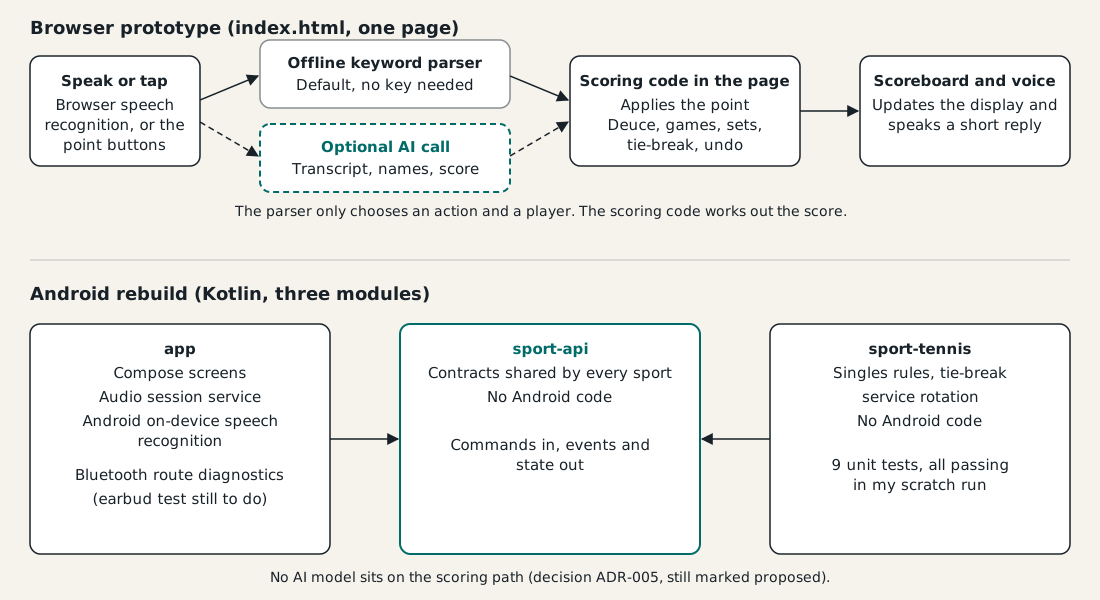
The nine unit tests cover the point sequence, deuce and advantage, a set at six games with a two-game lead, best of one, and the tie-break, including its one-then-two-point service rotation. That tie-break detail is one reason for the rebuild: the Kotlin engine models service in a tie-break properly.
The project’s notes record what happened when the app’s offline recognition was tried on a phone, in the 19 July handover. Android’s offline English model produced useful transcripts, but its confidence value came back as a constant zero, so the app treats confidence as unavailable. The bench transcripts also showed near-homophones for the wake phrase and for a player name, an exact match for “undo”, and one command with its target missing. Those results shaped the parser rule above.
What it shows
Tennis Score Bot pairs a working browser scorekeeper with an Android rebuild designed around the riskiest assumption: whether a voice and an earbud can be trusted at the court. The scoring rules live in plain code that runs and tests without a phone, a strict parser turns noisy speech into a few safe commands, and the language model never touches the score.